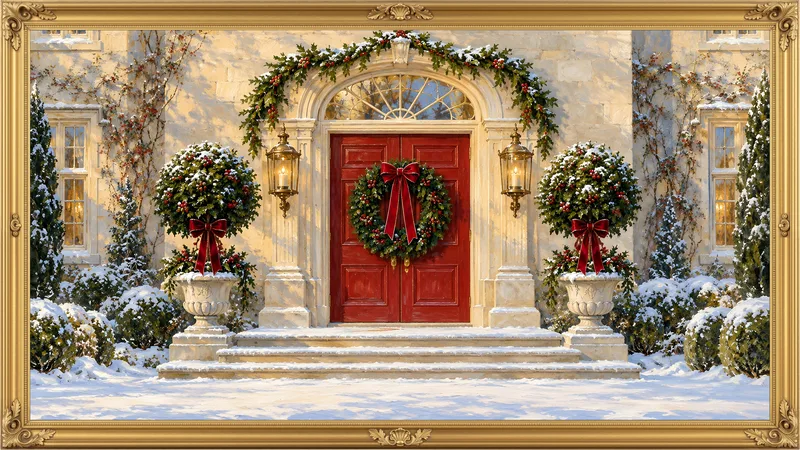
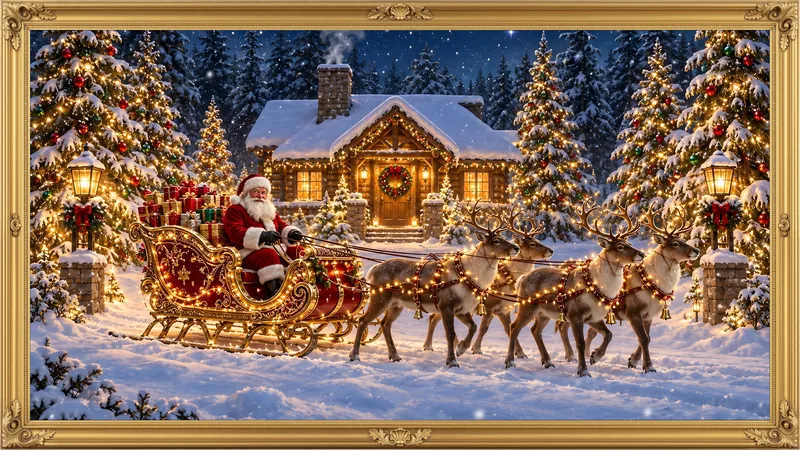
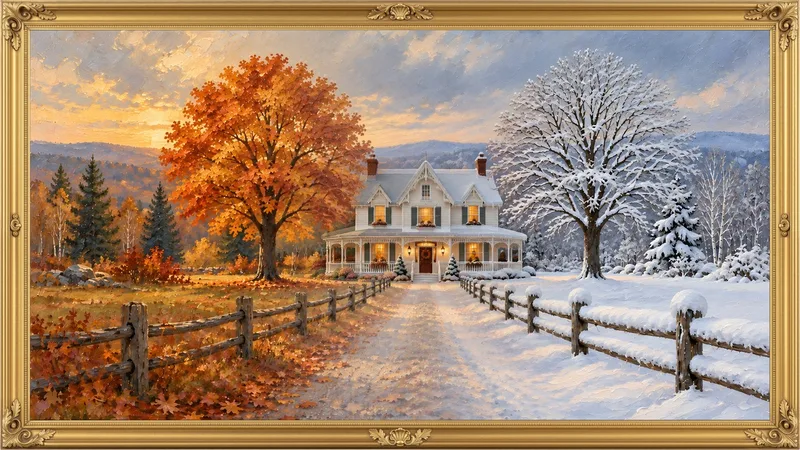
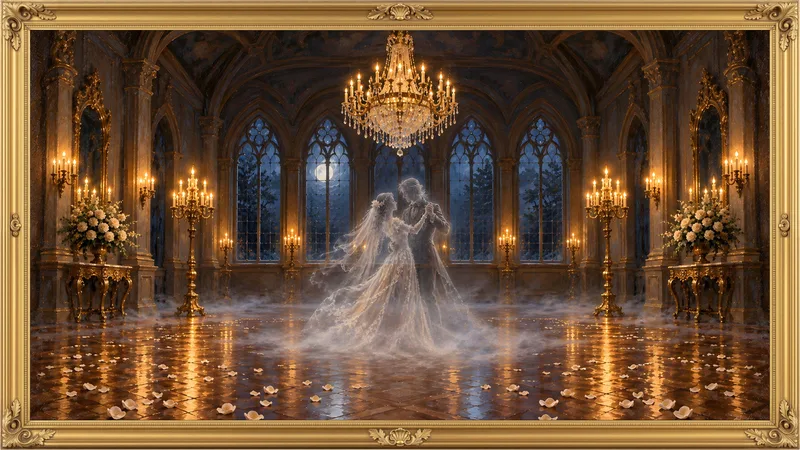
The Samsung Frame is built to look like a painting when you are not watching it, and Samsung sells a monthly Art Store subscription to fill it. You do not need it. There are two free ways to keep art on The Frame, and you can use both.
Way 1: your own art in Art Mode
Art Mode shows any picture you give it, not only the Art Store's. Samsung supports two ways to add your own images.
From your phone, with the SmartThings app (Samsung's free app; your TV needs to be added to it once):
- Open SmartThings and go to the Devices tab, then select your TV.
- Tap Art Mode, then Add Your Photos.
- Choose the images you want and tap Save on The Frame.
- Select the one to show. You can also choose several and set them as a slideshow.
From a USB stick:
- Copy your images to a USB drive and plug it into the One Connect box.
- With the TV in Art Mode, open My Collection and select the USB drive.
- Highlight the images you want and choose Save Selected. They appear under My Collection, then My Photos.
For the sharpest result, use images that are 3840 x 2160 pixels (4K, 16:9). Anything smaller is stretched, and a different shape gets cropped or bordered. You cannot edit photos on the TV itself, so get them the way you want first.
Where to get free art for it: join our email list at the bottom of this page and we send eight of our paintings free as 4K files, exactly 3840 x 2160 - a Christmas & winter set and a bouquet for each season - ready to drop straight into Art Mode.
Way 2: a long art video from YouTube
The Frame is also a normal smart TV, so you can open the YouTube app on it and play a long art video full screen. Our channel makes exactly that: original paintings in 4K, in a frame, held on screen for two to ten hours with only the light moving slowly across them, almost all of them completely silent.
A video plays in normal TV mode, not Art Mode, so the TV's motion sensor and Art Mode's low-brightness settings do not apply. Turn the brightness down, pick the Movie or Filmmaker picture mode, and check the TV's auto power-off setting if you want it to run all evening.